

CAIRIBU MOBILE APP
Information about the new CAIRIBU Mobile App


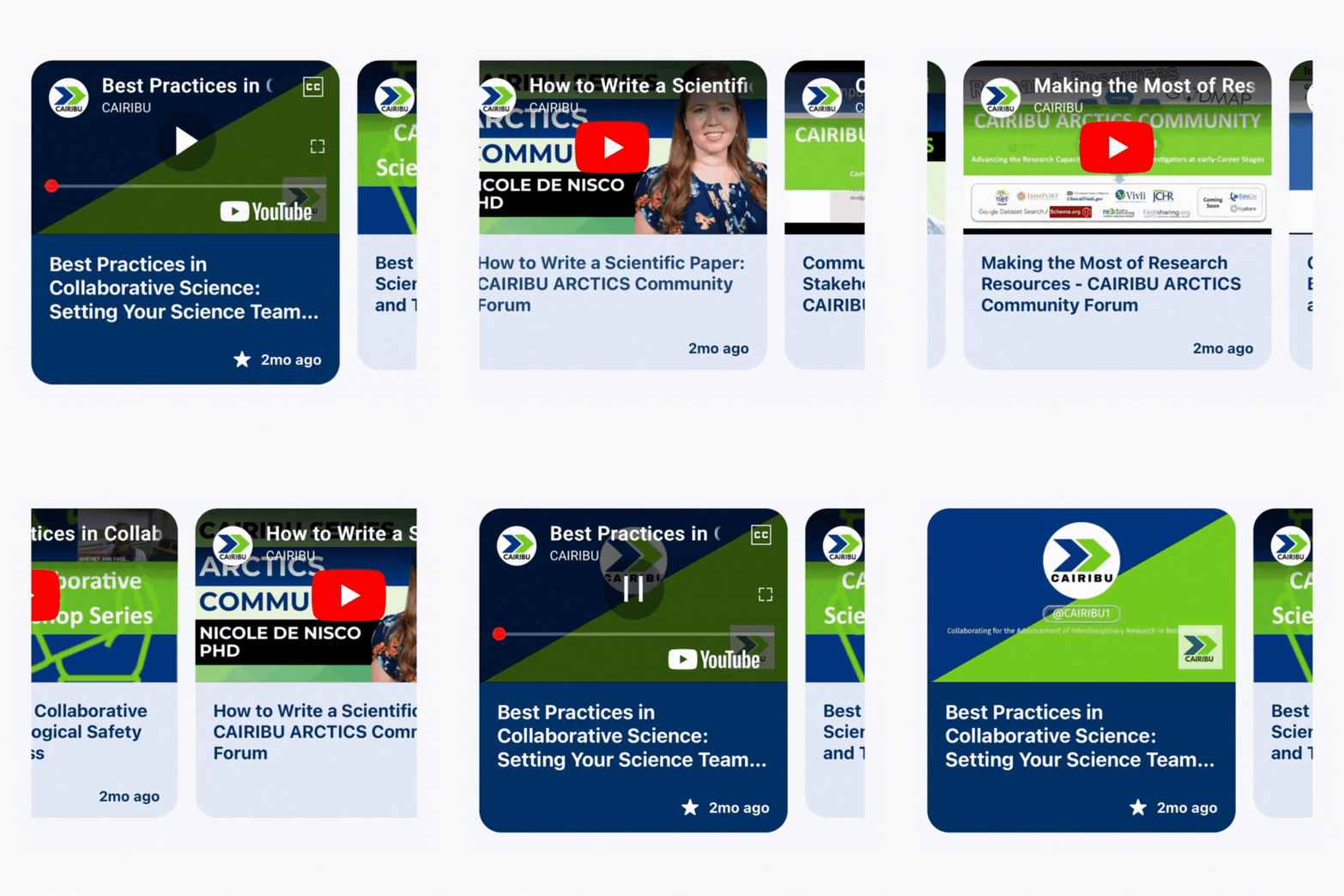
Watch the latest CAIRIBU YouTube content directly on the homepage. Each refresh brings something new. Scroll to explore more videos and keep up to date on our latest content.
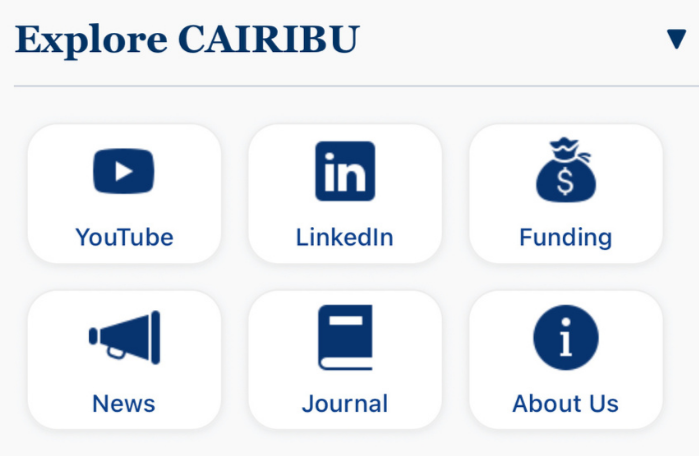
Find all the essentials in one place with quick links to our LinkedIn, funding opportunities, YouTube channel, news updates, the journal, and more information about us. Staying connected and up to date has never been easier.Check out the other pages using the left and right arrows or clicking on the green icons below.





The CAIRIBU App event page offers two viewing options: list and calendar. Below, you’ll find details for the list view. To switch to the calendar view, click “Calendar” above.
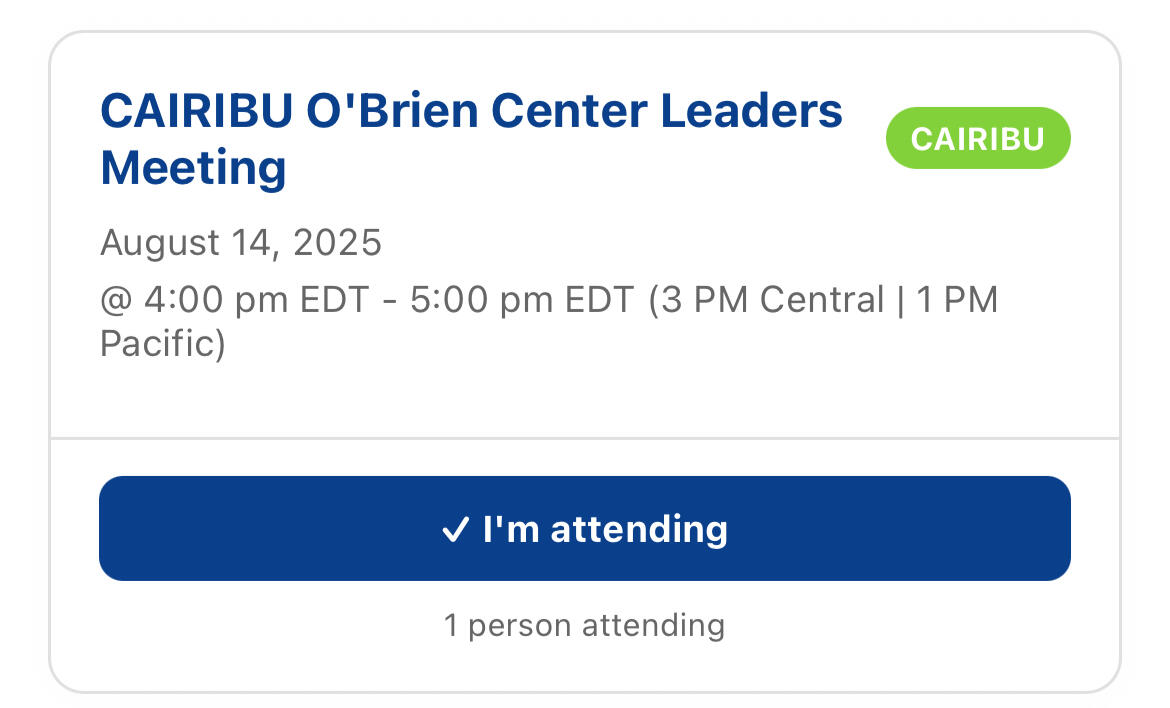
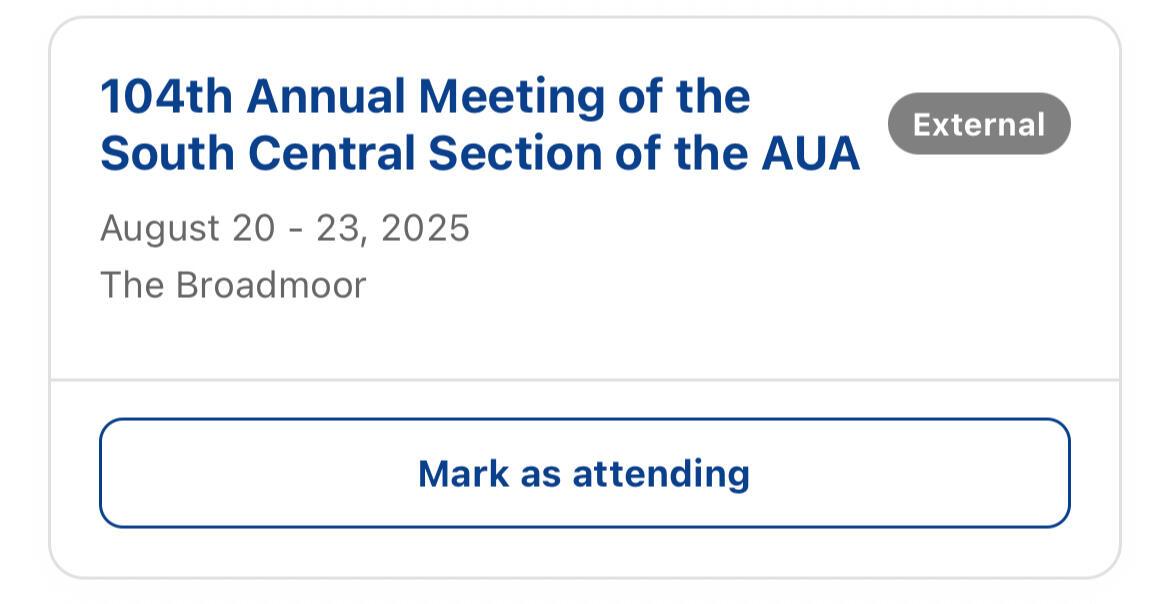
The list view displays upcoming events in a scrollable format, simply scroll down to see more. Each event includes the title, whether it’s a CAIRIBU or external event, the time and date, and an “I’m attending” button to mark your participation. You can also see how many people are attending each event.
Click on an event to view important details and access links to join virtual forums.






The community page allows you to explore profiles of fellow investigators using the app, featuring their name, institution, research interests, and email. You can easily search or filter by any of this information using the search bar to find collaborators or experts in specific areas.
This page is designed to foster connections, encourage collaboration, and strengthen the network of researchers across the CAIRIBU community.





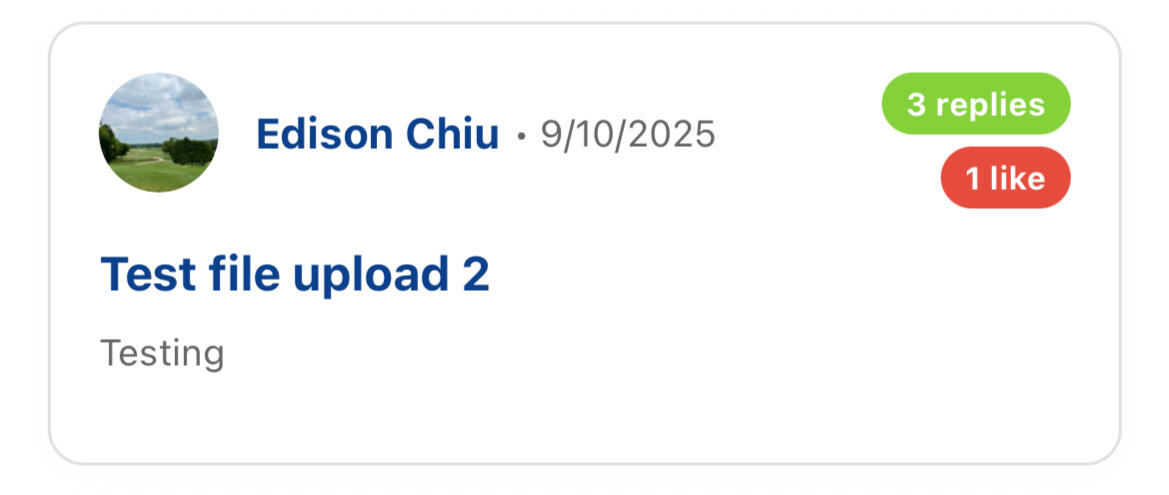
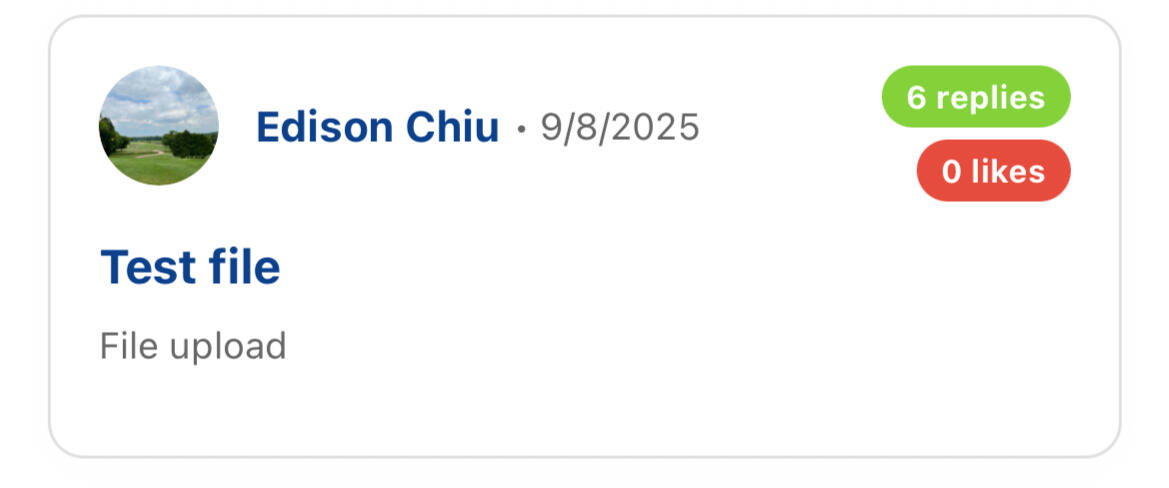
The Discussion page provides a space for CAIRIBU investigators to exchange ideas, ask questions, and collaborate in real time. You can start new discussion threads, share photos or files, and join ongoing conversations with other members.
Each thread shows the number of replies and likes, making it easy to see which topics are generating the most engagement across the community.



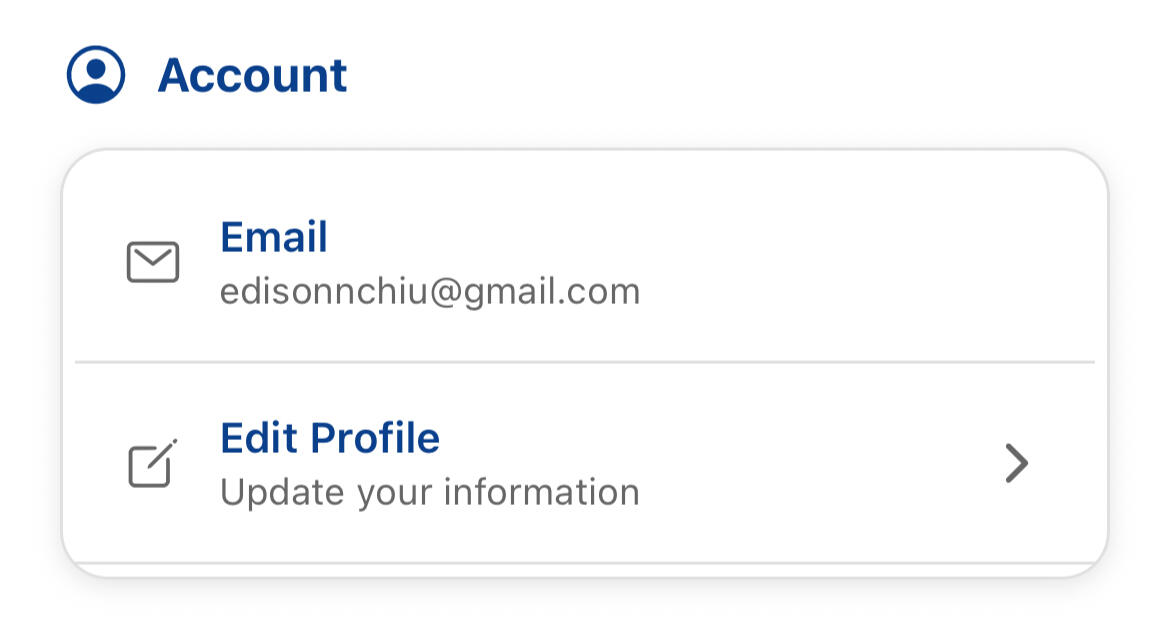
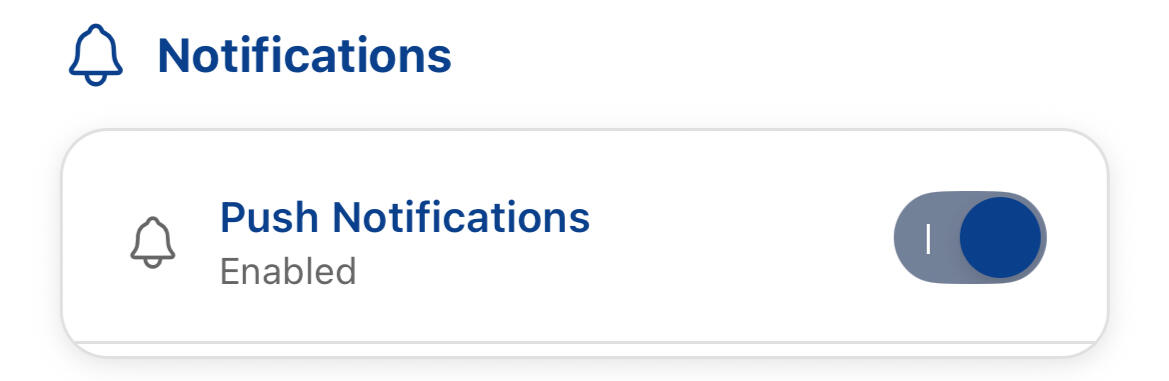
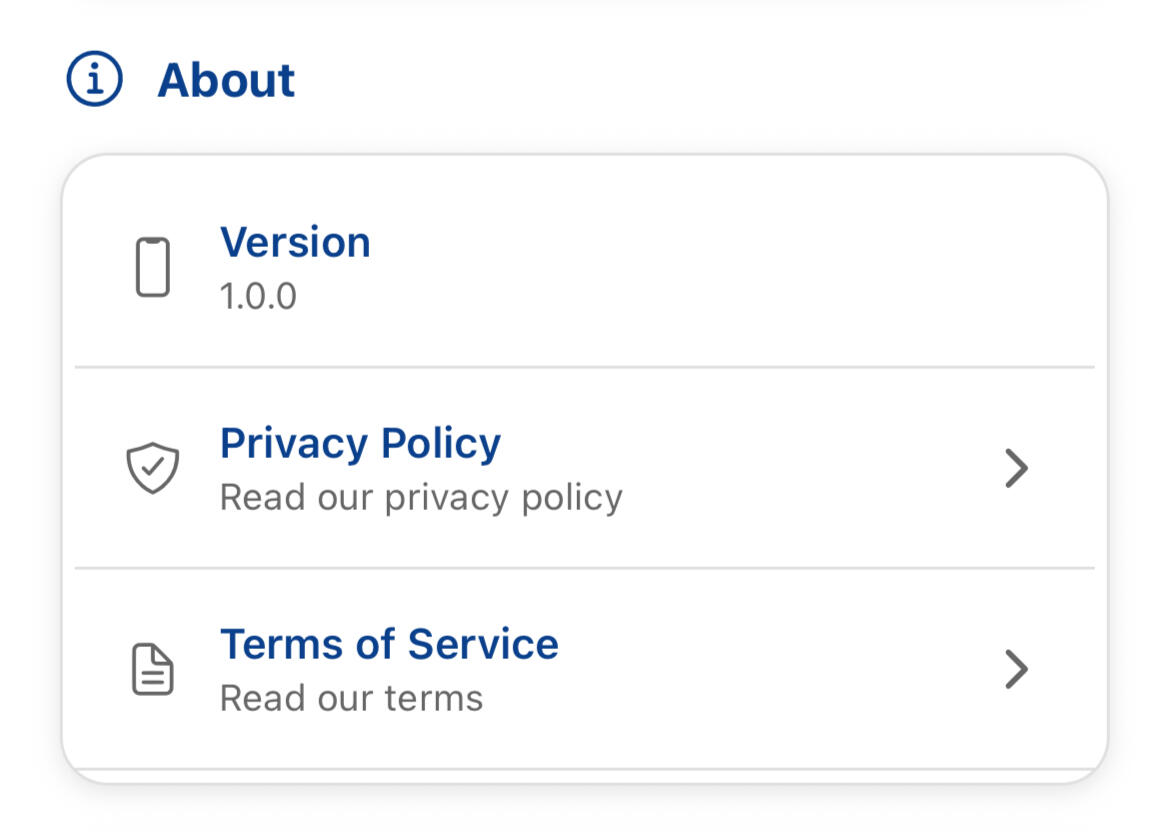
The Settings page gives you control over your personal experience in the app. Here, you can edit the profile information displayed on the community page, manage your notification preferences, and review important documents like the Privacy Policy and Terms of Service.





The CAIRIBU App event page offers two viewing options: calendar and list. Below, you’ll find details for the calendar view. To switch to the calendar view, click “List” above.
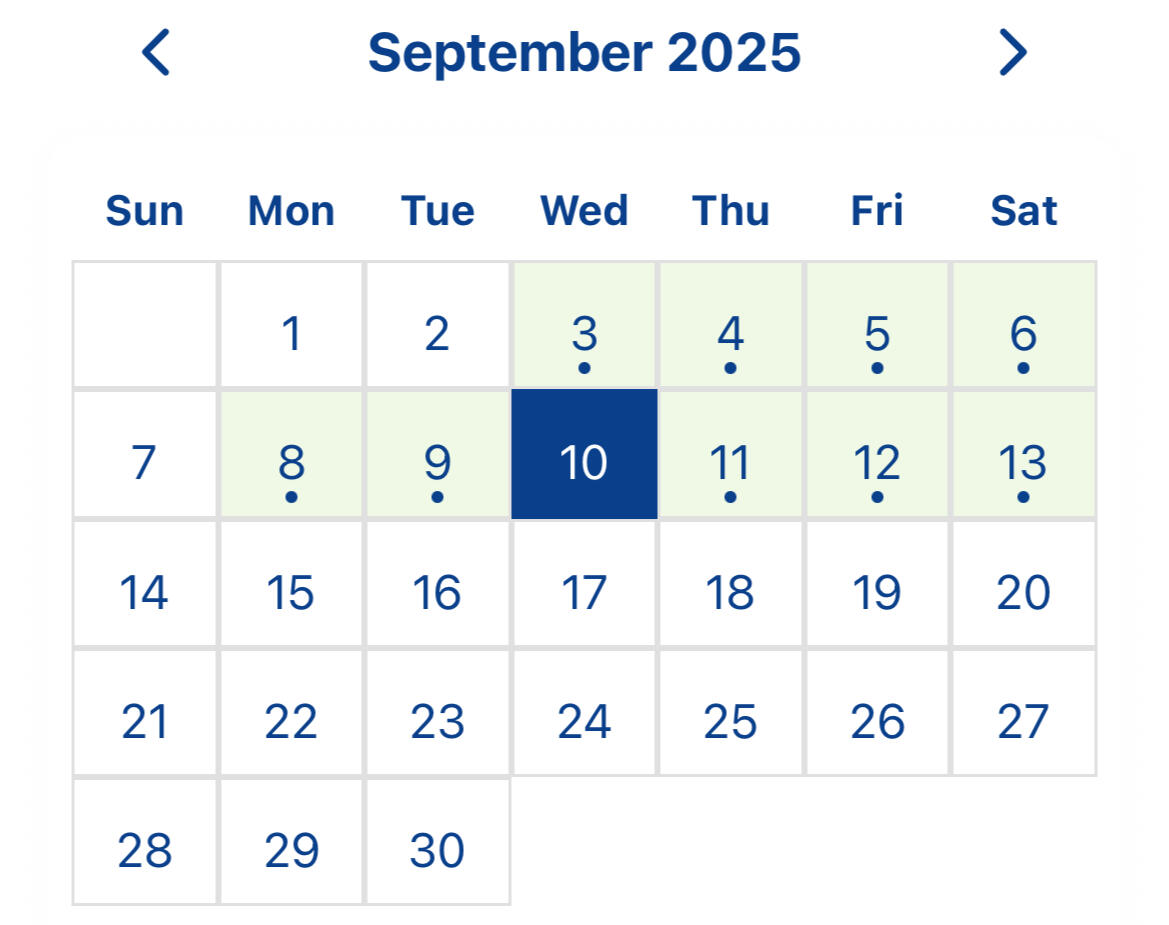
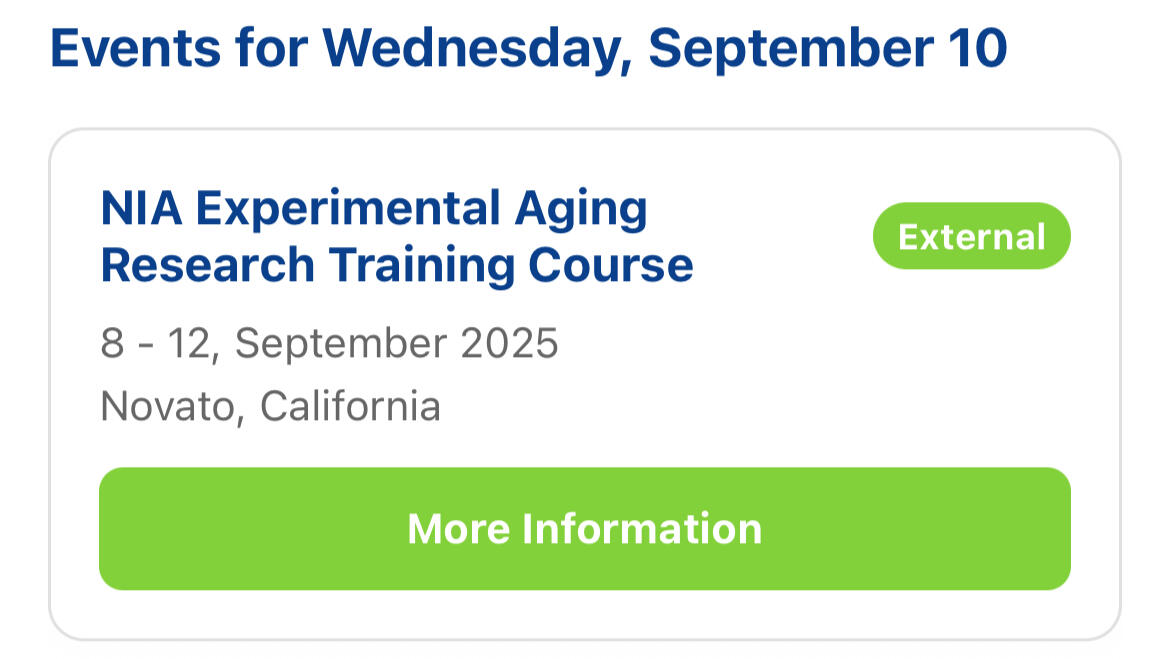
The calendar view presents events in a monthly calendar format, with dots marking days that have scheduled events. Click on any date to see all events happening that day. Each event includes the title, whether it’s a CAIRIBU or external event, and the time and date.


